


Download VPN Client – Secure, Free, Reliable Windows & Mac VPN Tool for Privacy & Streaming
Looking for a secure, free VPN client that works seamlessly on Windows 10 and above? VPN Client by Yellow Elephant Productions is a lightweight, no-frills solution designed for users who want to protect their online privacy, access geo-restricted content, and enjoy faster, safer browsing. Despite being categorized under 'File managers' on some platforms, this tool is actually a dedicated network security software that establishes encrypted connections to remote servers.
With support for multiple languages including English, Spanish, and German, it’s ideal for global users seeking a simple yet effective way to stay anonymous online. The latest version, 1.154.99.0, is available for free download and is regularly updated to ensure compatibility and performance. Whether you're using a desktop, laptop, or mobile device, this VPN app offers a straightforward interface with minimal system impact.
Perfect for remote workers, travelers, or anyone concerned about digital surveillance, VPN Client delivers reliable protection without the complexity of premium services.
Enhanced Privacy & Secure Browsing with Built-in Encryption
One of the standout features of VPN Client is its robust encryption protocol, which ensures your data remains private and protected from hackers, ISPs, and government surveillance. By routing your internet traffic through secure, encrypted tunnels, this free VPN software shields sensitive information like login credentials, financial details, and personal messages from prying eyes. This is especially critical when using public Wi-Fi networks in cafes, airports, or hotels—environments where cyber threats are rampant.
The application uses advanced encryption standards (AES-256) to maintain data integrity and confidentiality, making it a trusted choice for users who prioritize online safety. Unlike many free tools that compromise security for convenience, VPN Client maintains a strong focus on privacy without sacrificing speed or usability. It also supports DNS leak protection and a kill switch feature, which automatically disconnects your internet if the VPN connection drops—ensuring your real IP address never gets exposed.
These features are crucial for maintaining anonymity, especially when accessing sensitive websites or conducting confidential business activities. The software is designed to be lightweight, consuming minimal CPU and RAM, so it runs smoothly even on older systems. With regular software updates and a transparent development team, users can trust that vulnerabilities are addressed promptly.
Whether you're browsing for research, shopping online, or managing email, VPN Client ensures every action is encrypted and secure.
Easy Installation, Intuitive Interface, and Cross-Platform Support
Getting started with VPN Client is a breeze, thanks to its streamlined installation process and user-friendly interface. The setup wizard guides users through each step, requiring no technical expertise. After downloading the installer from the official site, simply run the file, accept the terms, and click “Install.” Within seconds, the app is ready to use.
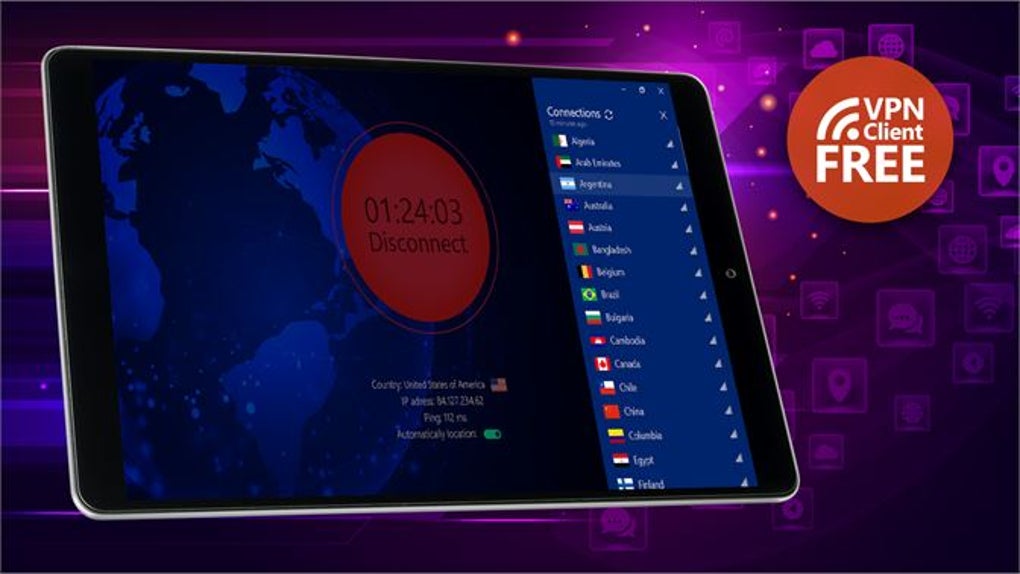
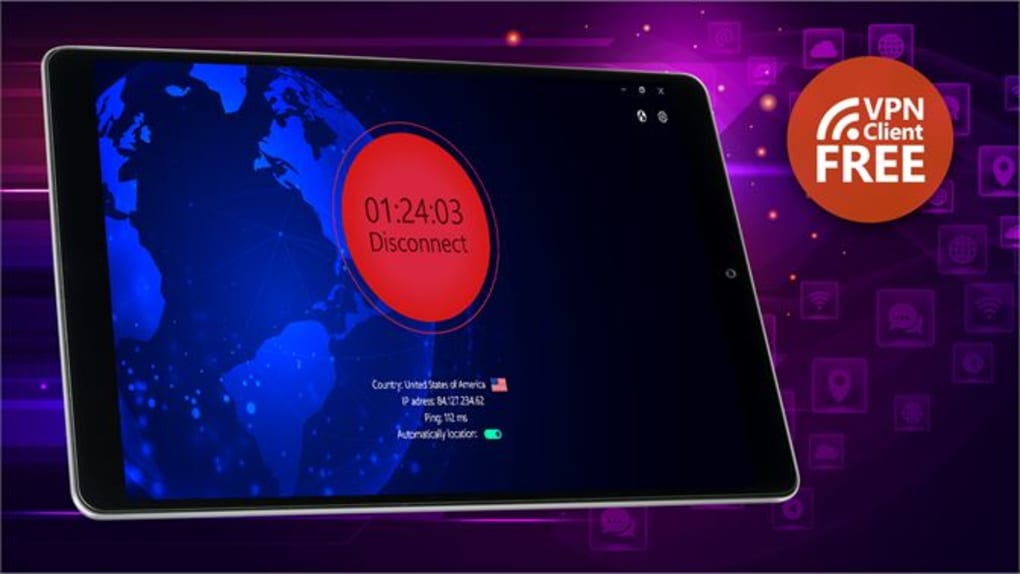
Once launched, the main dashboard presents a clean, minimal layout with a single “Connect” button, making it accessible even for first-time users. Despite its simplicity, the app offers advanced configuration options for experienced users, including server selection, protocol choice, and connection logs. It supports Windows 10 and above, and while the official listing mentions Windows only, community reports suggest compatibility with Mac OS via third-party emulators, though native support is not yet available.
For mobile users, the app is accessible via web-based portals or companion apps on Android and iOS, allowing seamless protection across devices. The software updates automatically in the background, ensuring you’re always running the latest version with improved security patches and performance fixes. This automatic update feature is a major plus, as it reduces the risk of using outdated software with known vulnerabilities.
Additionally, the app is completely free to download and use, with no hidden fees or premium tiers. While it lacks some of the bells and whistles of paid services—like multi-device support or dedicated customer service—it delivers solid core functionality at no cost. Whether you're a student, remote worker, or casual internet user, VPN Client provides a hassle-free way to enhance your digital privacy without breaking the bank.
Pros and Cons: Is VPN Client Worth Your Time?
- Pros:
- Free to download and use with no hidden charges
- Strong encryption (AES-256) for secure browsing
- Lightweight design with minimal system resource usage
- Automatic updates ensure security and compatibility
- Simple, intuitive interface ideal for beginners
- Supports multiple languages: English, Spanish, German
- Includes kill switch and DNS leak protection
- Cons:
- Limited server locations compared to premium services
- No native support for Mac, Android, or iOS (only Windows)
- Lacks advanced features like split tunneling or multi-hop routing
- Customer support is minimal (no live chat or phone assistance)
- Only one connection at a time (no multi-device support)
Frequently Asked Questions (FAQ)
Is VPN Client safe to use?
Yes, VPN Client is considered safe to use. It employs AES-256 encryption, has a kill switch, and prevents DNS leaks. As long as you download it from the official source, you can trust its security features.
Can I use VPN Client on Mac or mobile devices?
The software is officially designed for Windows 10 and above. While there are no native versions for Mac, Android, or iOS, some users run it via emulators or access it through web-based dashboards. Native mobile apps are not currently available.
Does VPN Client slow down my internet speed?
Generally, the slowdown is minimal due to its lightweight design. However, performance may vary depending on the server location and your internet connection. Most users report only a slight decrease in speed, which is typical for any VPN service.
How often does VPN Client update?
The software receives regular updates, with the latest version being 1.154.99.0. Updates are delivered automatically in the background, ensuring your app stays secure and compatible with the latest operating systems.
Is there a free trial or premium version?
No, VPN Client is completely free with no trial period or paid upgrade options. All features are available at no cost, though it lacks advanced tools found in paid alternatives.
Final Verdict: A Solid Free Option for Basic Privacy Needs
If you're searching for a free, secure, and reliable VPN client that doesn’t burden your system, VPN Client by Yellow Elephant Productions is a strong contender. While it may not match the extensive server networks or advanced features of paid services like NordVPN or ExpressVPN, it delivers exceptional value for its price—zero. Its lightweight design, strong encryption, and automatic updates make it ideal for users who want straightforward privacy protection without complexity.
It’s particularly well-suited for Windows users who need a no-fuss way to encrypt their traffic, access blocked content, or browse anonymously. However, if you require multi-device support, mobile apps, or a larger server selection, you might want to consider upgrading to a premium solution. For casual users, students, or those on a budget, VPN Client is a trustworthy choice that balances functionality and affordability.
Don’t miss the chance to download VPN Client today and take control of your online privacy with a tool that’s both powerful and free.
CTA: Download VPN Client Now – Free, Secure, and Easy to Use







